Drawing Pad: Prompts & Ideas
Daily Sketch, Doodle & Paint


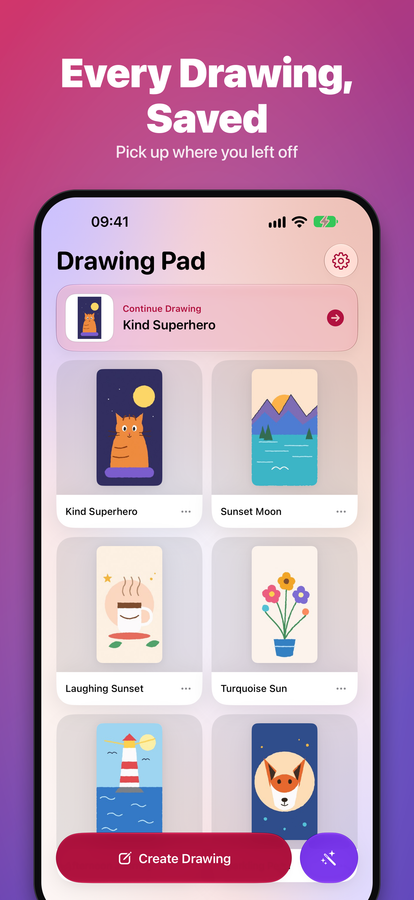
Overview
About this app
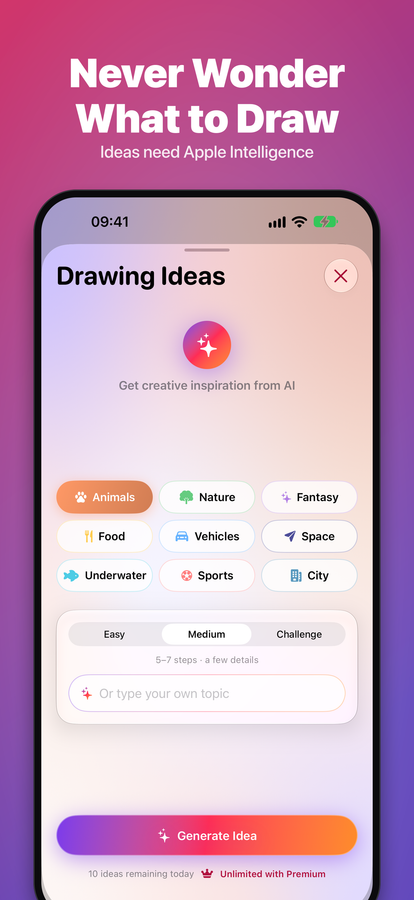
Ever open a drawing app and freeze at the blank page? Drawing Pad: Prompts & Ideas fixes that. Tap once for a drawing idea, then sketch it right there on a clean, simple canvas.
No lessons to follow. No complicated pro tools. Just an easy sketch pad with endless inspiration, made for doodlers, beginners and anyone who draws to relax.
NEVER WONDER WHAT TO DRAW
• A drawing idea or prompt in one tap
• 8 creative categories to explore
• Fresh inspiration every single day
• Get an idea and draw it, all in one app
Drawing ideas are created on your device with Apple Intelligence, which needs iOS 26 or later and a supported iPhone or iPad. Everything else in the app works on iOS 15 and later.
A SKETCH PAD THAT STAYS SIMPLE
• Smooth, responsive drawing on iPhone and iPad
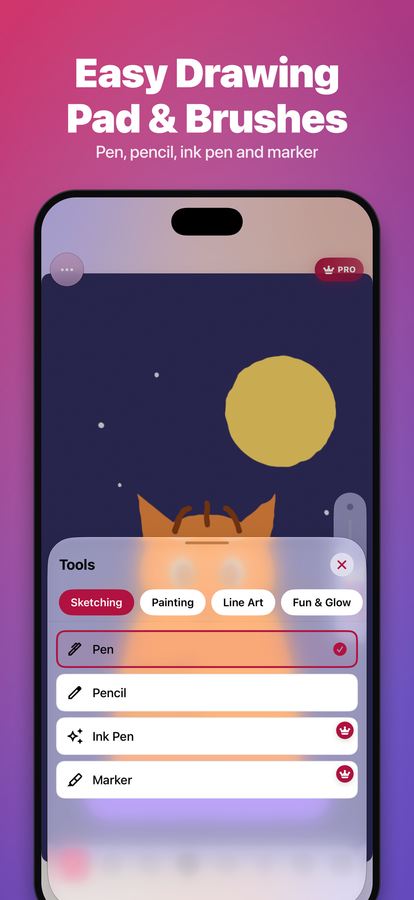
• Multiple brushes, pencils and paint tools
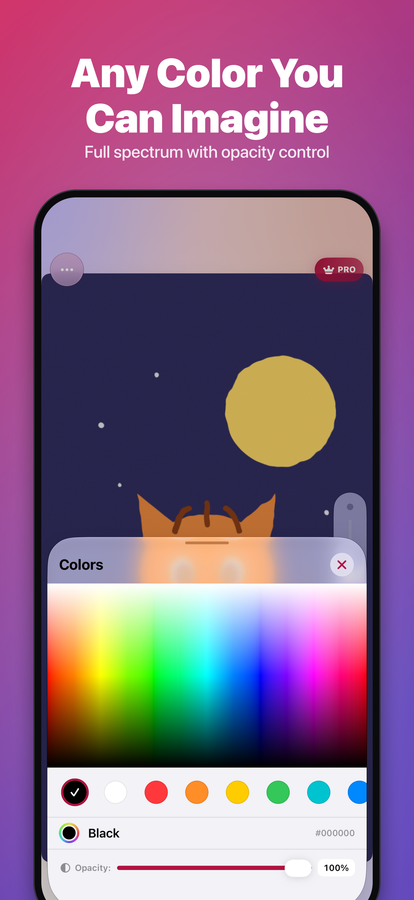
• Adjustable brush sizes and rich color palettes
• Easy undo and redo, so you can experiment
MAKE EVERY SKETCH YOURS
• Start from a blank canvas or draw over your photos
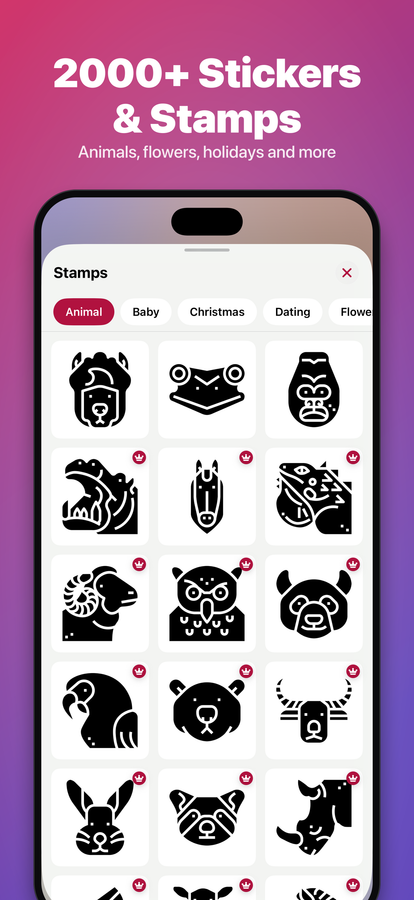
• Decorate your art with 2000+ stickers
• Doodle, sketch, paint or color, your way
SAVE AND SHARE
• Export your artwork in HD
• Share your creations with friends and family
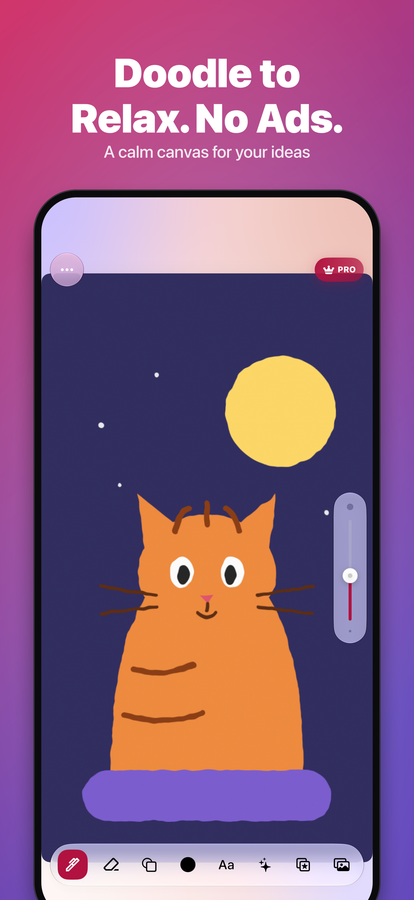
DRAW TO RELAX, AD-FREE
No ads, no interruptions, just you and the canvas. Good for unwinding with a daily doodle, or for finally starting that drawing habit.
Go Premium for unlimited drawings and unlimited ideas every day.
Download Drawing Pad: Prompts & Ideas and turn "I don't know what to draw" into your next favorite sketch.
Features
What's inside
Drawing ideas and prompts
Tap once for a prompt across 8 creative categories. Ideas are made on your device with Apple Intelligence (iOS 26 or later, supported iPhone or iPad).
Brushes, pencils & paint
Adjustable sizes and rich color palettes, with easy undo and redo.
Draw over your own photos
Start from a blank canvas, or sketch directly on top of a photo.
2000+ stickers
Decorate and personalize every sketch, doodle, or painting.
HD export & share
Save your artwork in high resolution and share it anywhere.
No ads while you draw
A calm, interruption-free canvas — draw to relax, at your own pace.
Requirements
Compatibility
| Platforms | iPhone, iPad |
|---|---|
| Requires | iOS 15.0 or later |
| Languages | English, German, Spanish, French, Japanese, Korean, Portuguese (Brazil), Chinese (Simplified) |
| Version | 2.9.0 |
FAQ
Questions about Drawing Pad
Tap the idea button and Drawing Pad gives you an instant prompt across 8 categories. Ideas are created on your device with Apple Intelligence, so they need iOS 26 or later and a supported iPhone or iPad.
Yes — start from a blank canvas or bring in one of your own photos and sketch directly on top of it.
It's free to download and use. A Premium option removes daily limits on drawings and ideas for anyone who wants unlimited use.
Drawing ideas use Apple Intelligence. They appear on iOS 26 or later on a supported iPhone or iPad, with Apple Intelligence turned on in Settings. Drawing, brushes, stickers, photos and export work on iOS 15 and later without it.
Legal & support